You can locate/track other users by adding their email address to the "Locate Others" screen in Family Tracker.
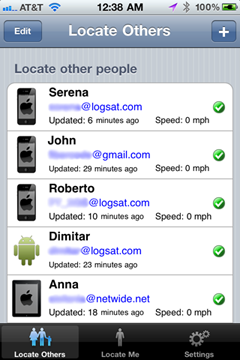
When you add a user to this screen, a tracking request will be sent to the their device, asking for their permission to be tracked. Once the user accepts this
one-time
request, from then on you will be able to track them using your own Family Tracker app - there is no more user interaction needed to track them. In addition, you will receive an email that contains a unique, private link that allows you to track them via a regular web browser as well.
If you attempt to add a user who has not installed Family Tracker yet on their device, an email will be automatically sent to them to let them know about Family Tracker and with a link to download the app. Once they install it, they will automatically receive your pending tracking request.